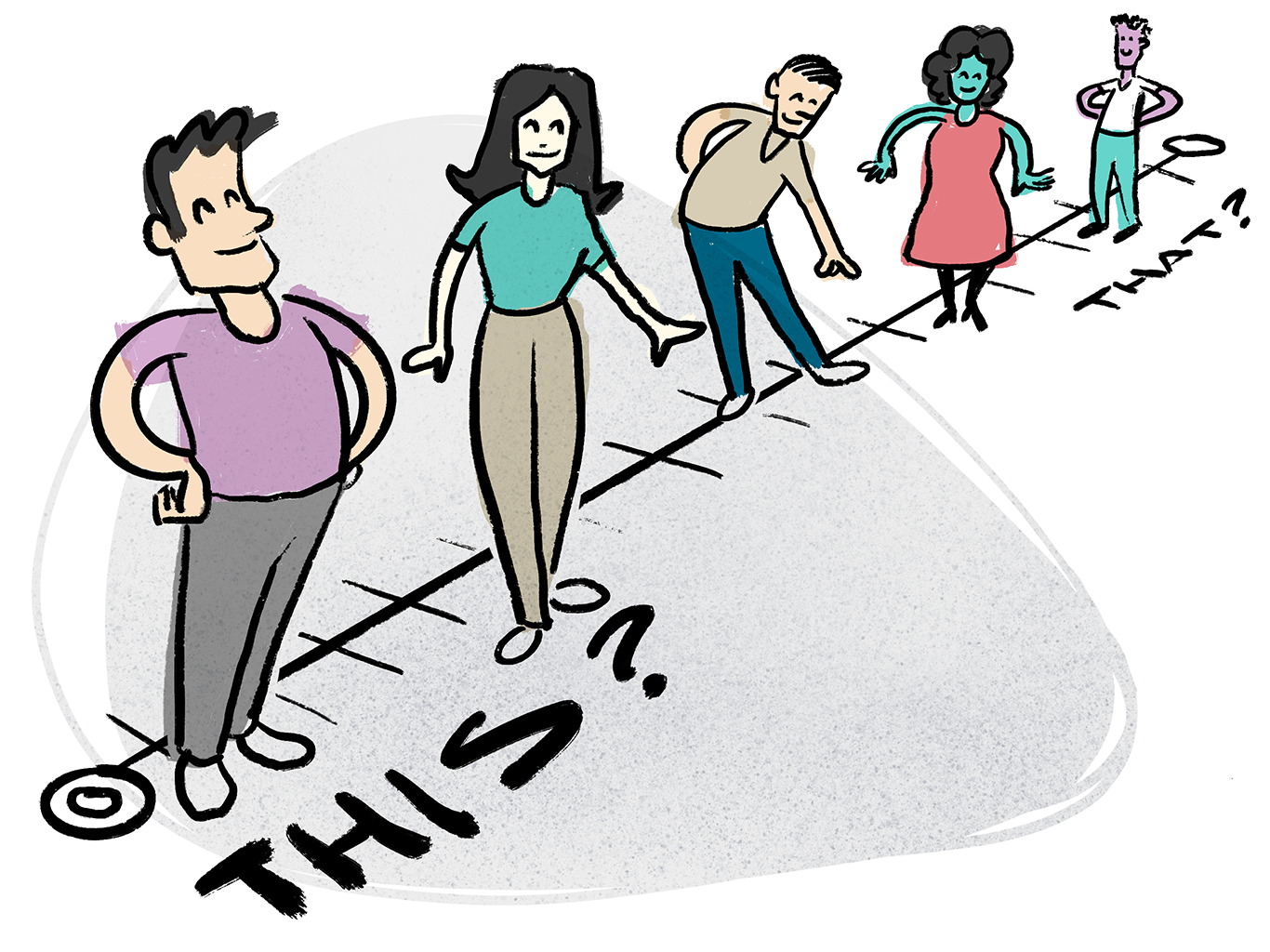
This is a fun way to help everyone get to know one another, plus get them used to using an online canvas together. Moving dots around is great practice for dot voting later on!
How to do it
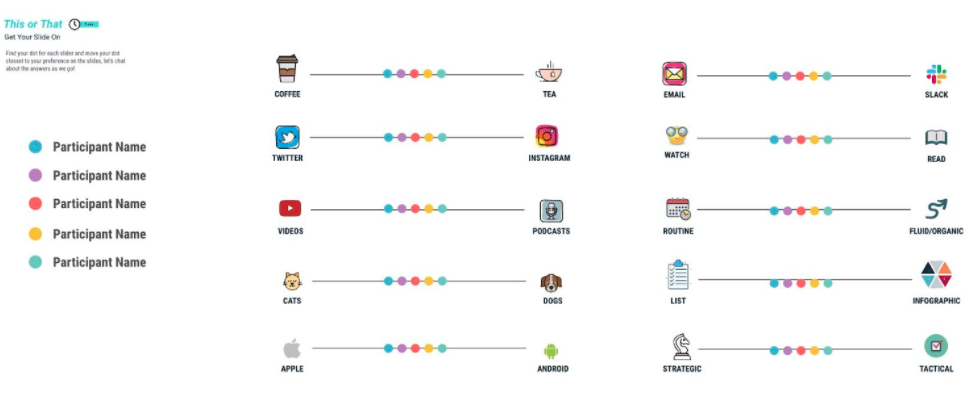
In your online canvas app (such as Miro, Mural, LucidSpark, Allo), prepare a set of coloured dots and name placeholders, plus a range of preference sliders (see image below). You can use the preference sliders below, or come up with your own. Some examples:
- Coffee or tea?
- Twitter or Instagram?
- Cats or dogs?
- Routine? or fluid/organic?
- Strategic or tactical?
You can either ask everybody to put their dots on the sliders in silence for the first minute, and then discuss, or just discuss as you go. It’s always interesting to see what sticks out, or is polarising. People get really into it - in a good way!
Pro tip: remember to lock everything on your board except the dots and name placeholders! (and make sure you bring your dots to the front using right-click, select bring to front).
Variations
This is easy to customise. You can use anything for your icons on either side of each slider. The icons you see in the image above are all from the icon finder tool inside Miro. You can also bring in your own branded icons.
You can also adapt this to be a physical activity, if you are meeting in-person. Mark out your ‘sliders’ on the floor (leave plenty of room!), and ask your participants to stand on the line to represent where they would put their preference.
Source: Rachel Davis
Get the companion e-book, get full access
Buy the companion e-book: 50 Remote-Friendly Icebreakers, and get full access to all the icebreakers on this website!
This includes browsing and filtering (e.g. remote-friendly, introvert-friendly, creative), plus handy slide template downloads.