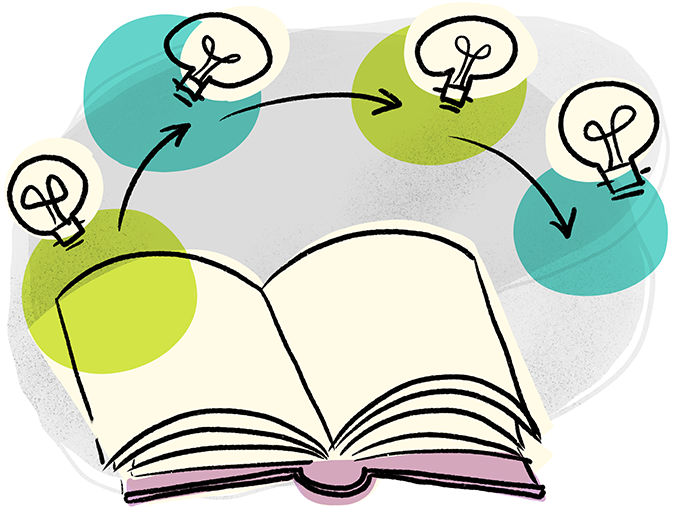
This is a nice easy way to open up a group to possible futures, to get them thinking about cause and effect, and how different actions can create different impacts.
How to do it
Prepare beforehand with some sort of opening scenario that suits the outcome of your meeting. For example:
- Product innovation - A scenario where a customer has a particular problem and buys your new product...
- Event planning - A scenario where someone attends your new event...
- Team strategy - A new person joins the team...
Kick things off with “Once upon a time...” and then the scenario, and then say “Because of that...” and add the next part of the story. Pass to the next person, and ask them to add “Because of that...”, with the next consequence, and so on.
This is all about improvisation and building on others’ ideas. Some people might try to resolve things too quickly, others might throw in curve balls... it’s all part of the game, to help people explore new futures.
Variations
If things aren’t resolving well, you can step back in with “Until finally...” and prompt anyone to finish the sentence.
If you want, you can then say “And ever since then...”, and so on.
Depending on how things went, you can then have a discussion about how this might change how the group approaches the problem they’re trying to solve / outcome they’re trying to reach in their current meeting.
Source: Erica Marx, Amy Angelli, Kenn Adams: Because of That (BOT) game from Story Spine
Download this icebreaker
Log in or sign up to get access to all the downloads.
Powerpoint
Keynote
Get the companion e-book, get full access
Buy the companion e-book: 50 Remote-Friendly Icebreakers, and get full access to all the icebreakers on this website!
This includes browsing and filtering e.g. remote-friendly, introvert-friendly, creative), plus handy slide template downloads.